Interactive Sustainable Irrigation Exhibit
Problem Statement:
In my Cornerstone of Engineering course, my team was challenged to design an interactive exhibit that would make sustainability engaging and understandable for elementary-school students. We developed a hands-on irrigation game that taught children how material selection, cost, and environmental impact influence sustainable irrigation systems, while documenting the full engineering design process in a 100-page technical report covering research, prototyping, testing, CAD, electronics, programming, and final results.
Ideation & Prototyping:
Researched sustainable irrigation, universal design, and interactive exhibits to understand how tactile experiences could engage children.
Compared concepts based on feasibility, accessibility, cost, educational value, and engagement, developing a puzzle game where children built irrigation paths while balancing cost and environmental impact.
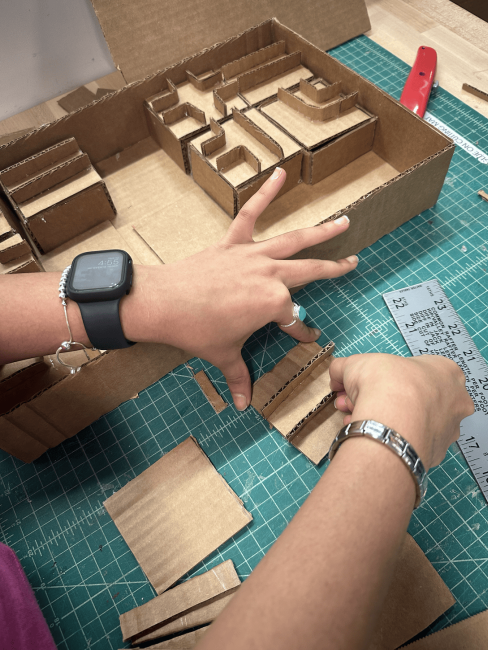
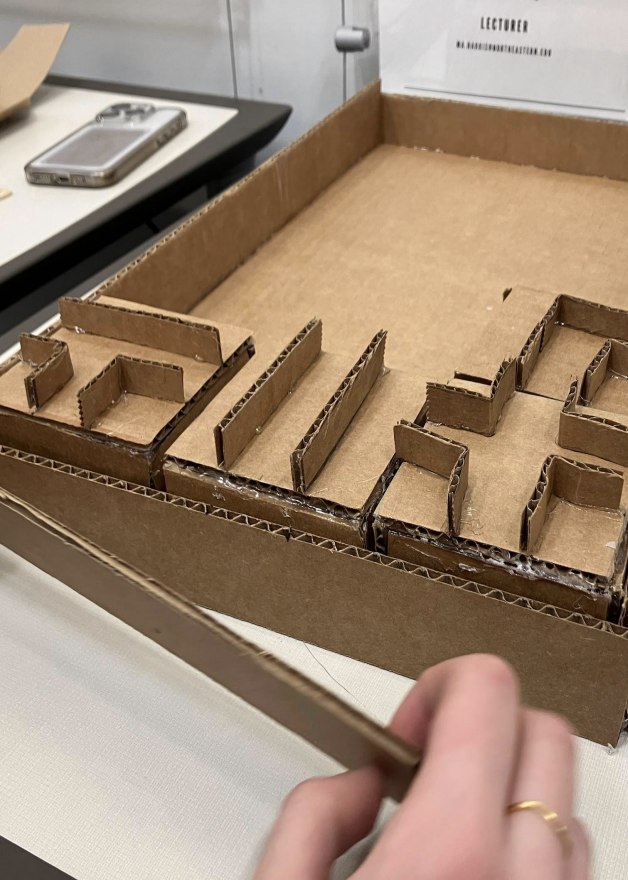
Built a cardboard prototype to test the layout and interaction.
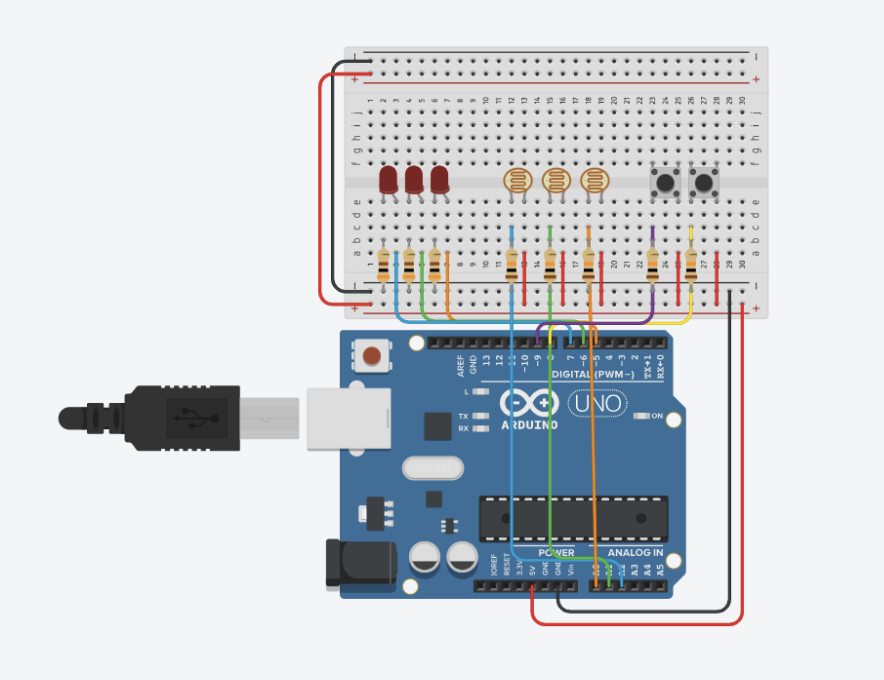
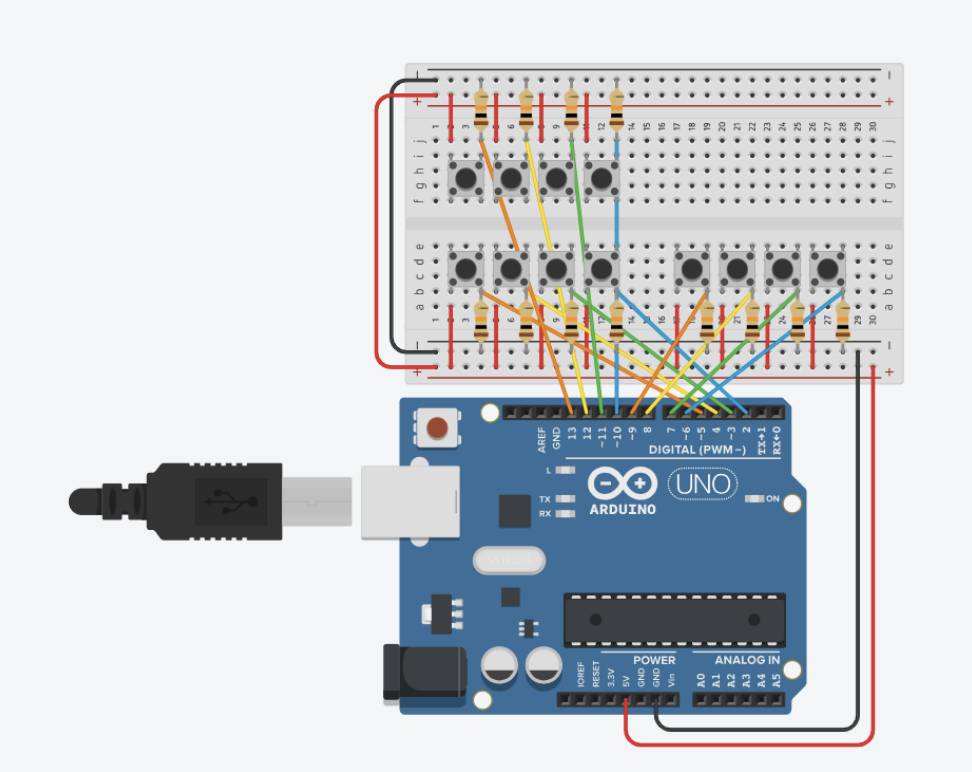
Created electronic proof-of-concept circuits using Arduino, buttons, LEDs, and motors to test interactive functionality.
Technical Development & Fabrication:
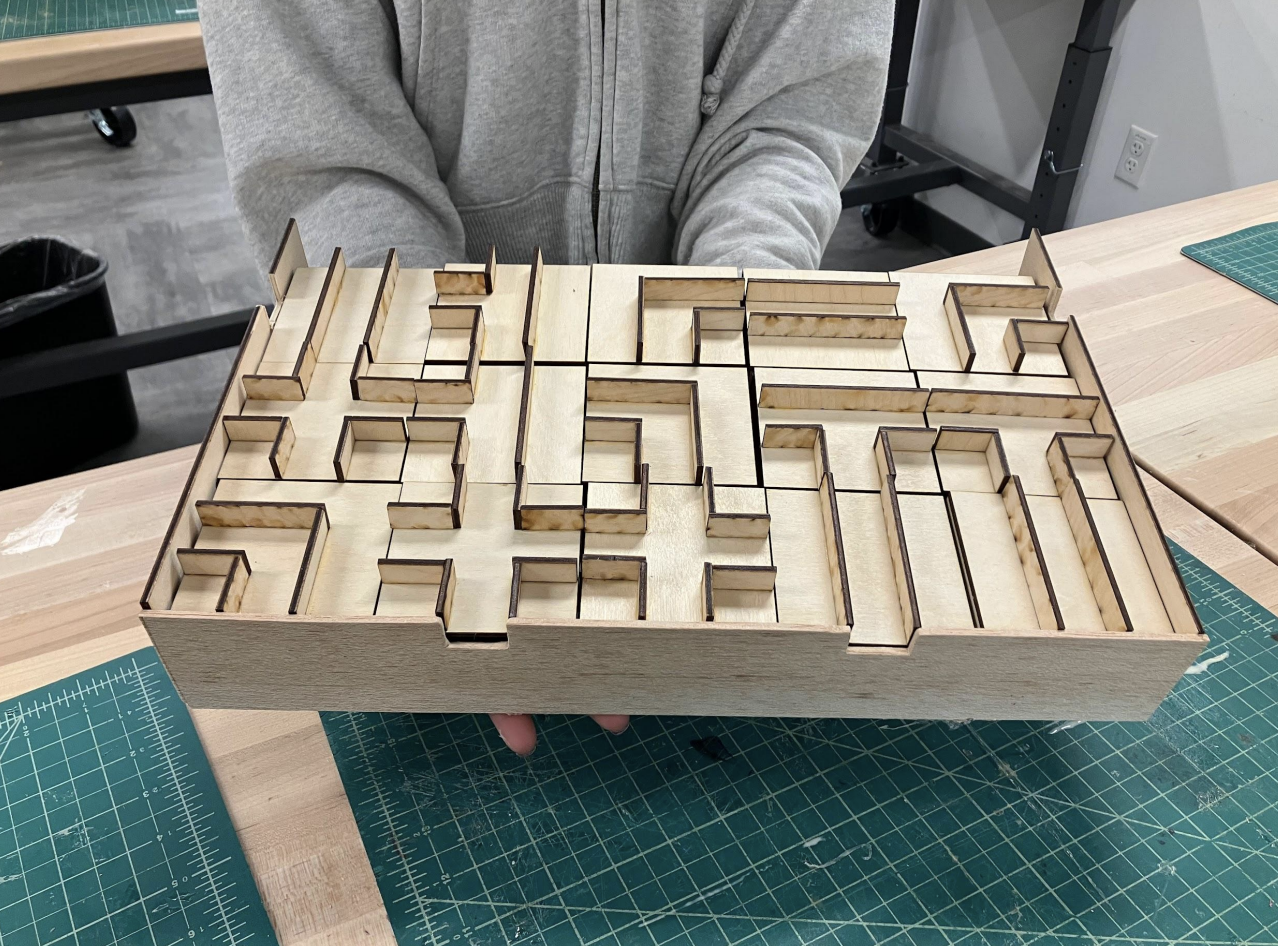
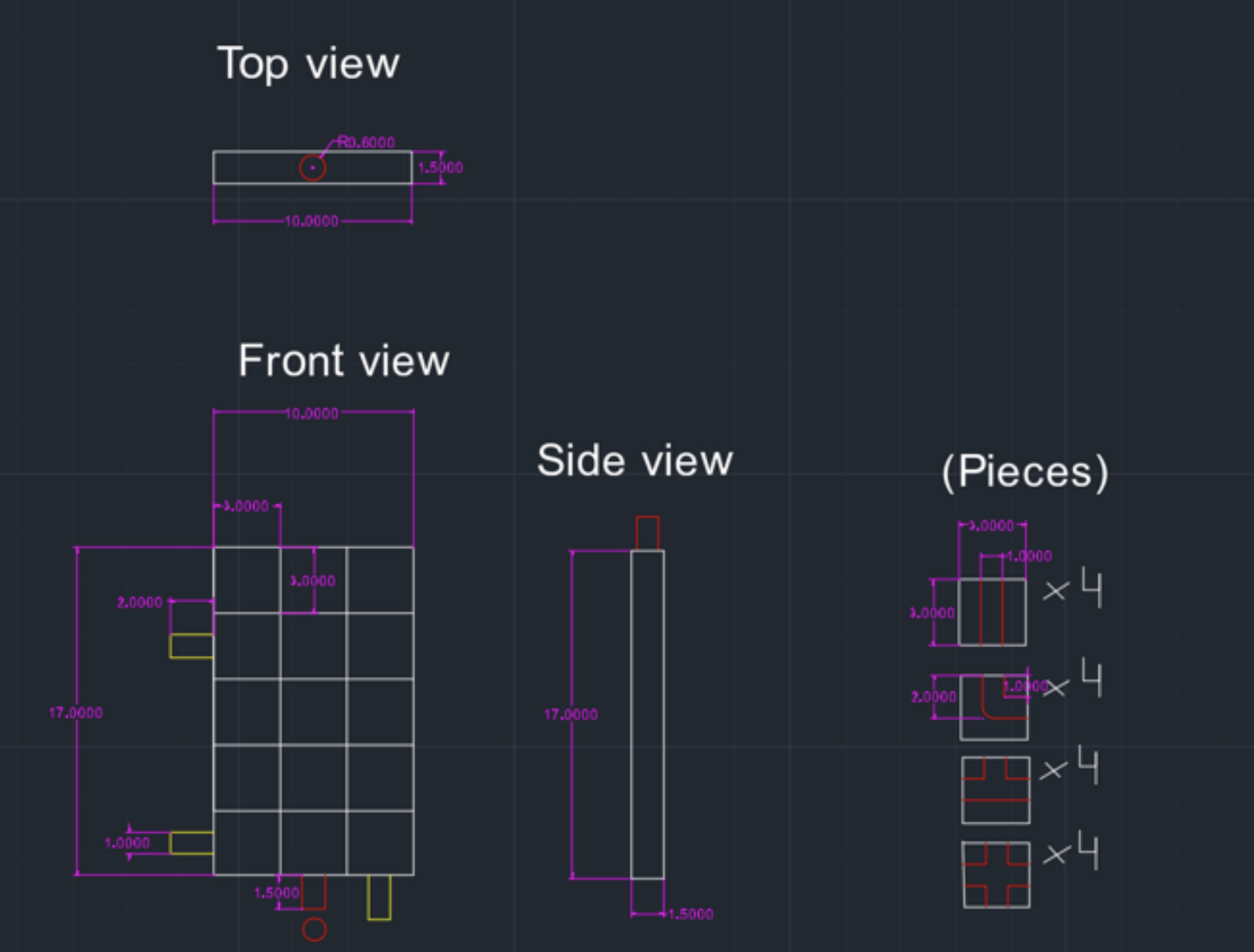
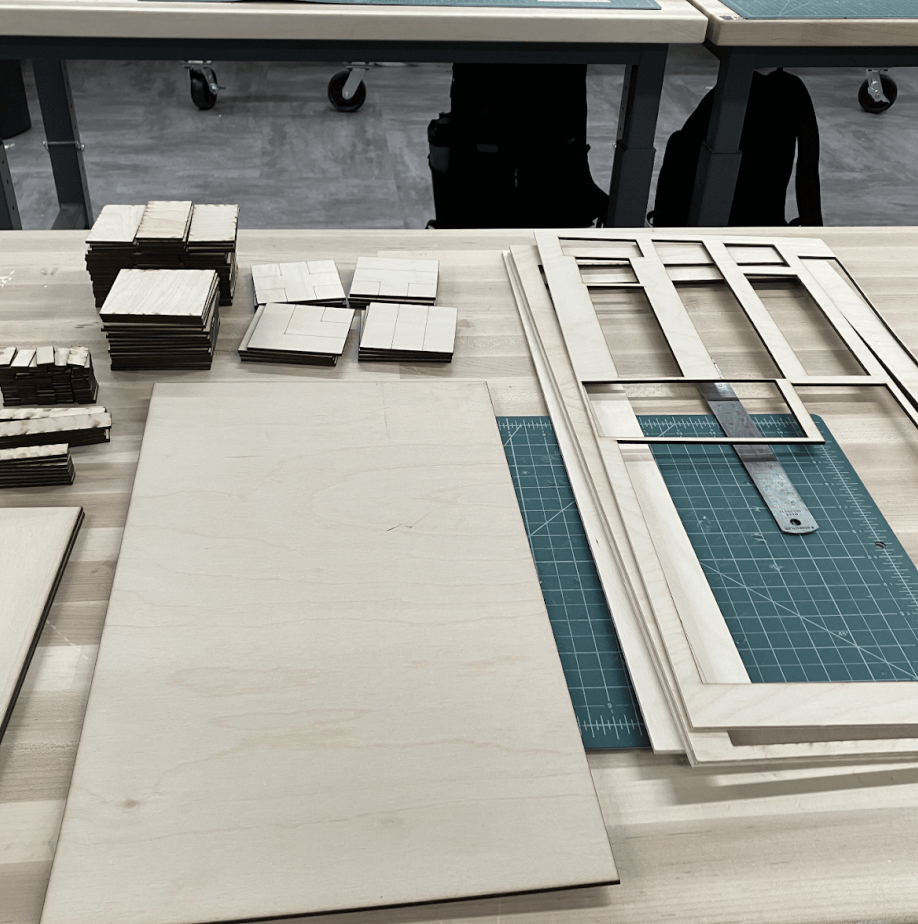
Created AutoCAD models and engineering drawings to translate the prototype into a durable wooden exhibit with transparent acrylic puzzle components.
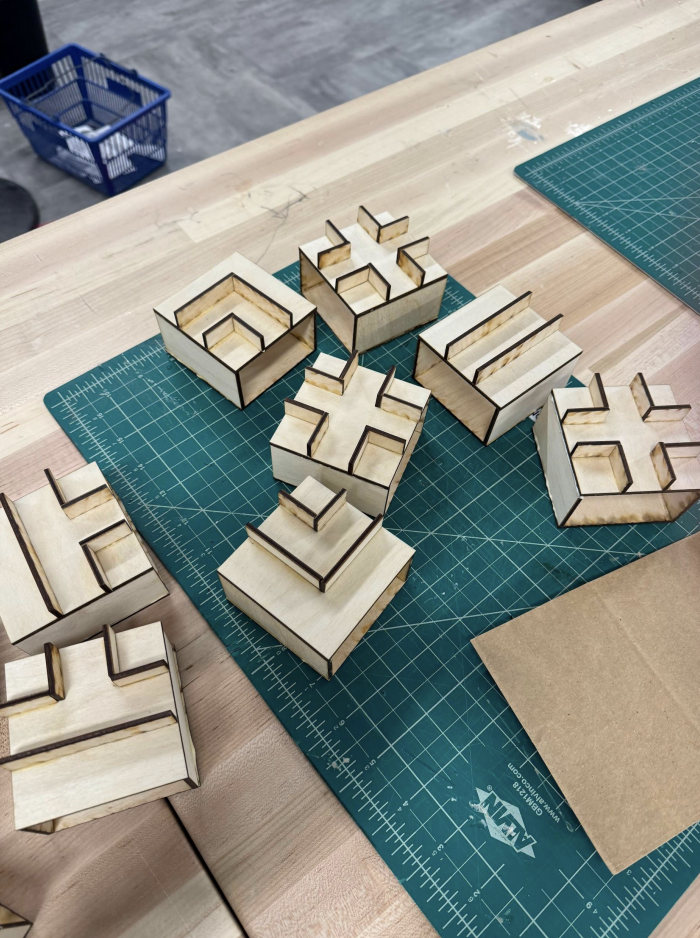
Used laser cutting, woodworking, acrylic fabrication, soldering, and assembly to manufacture and build the final exhibit.
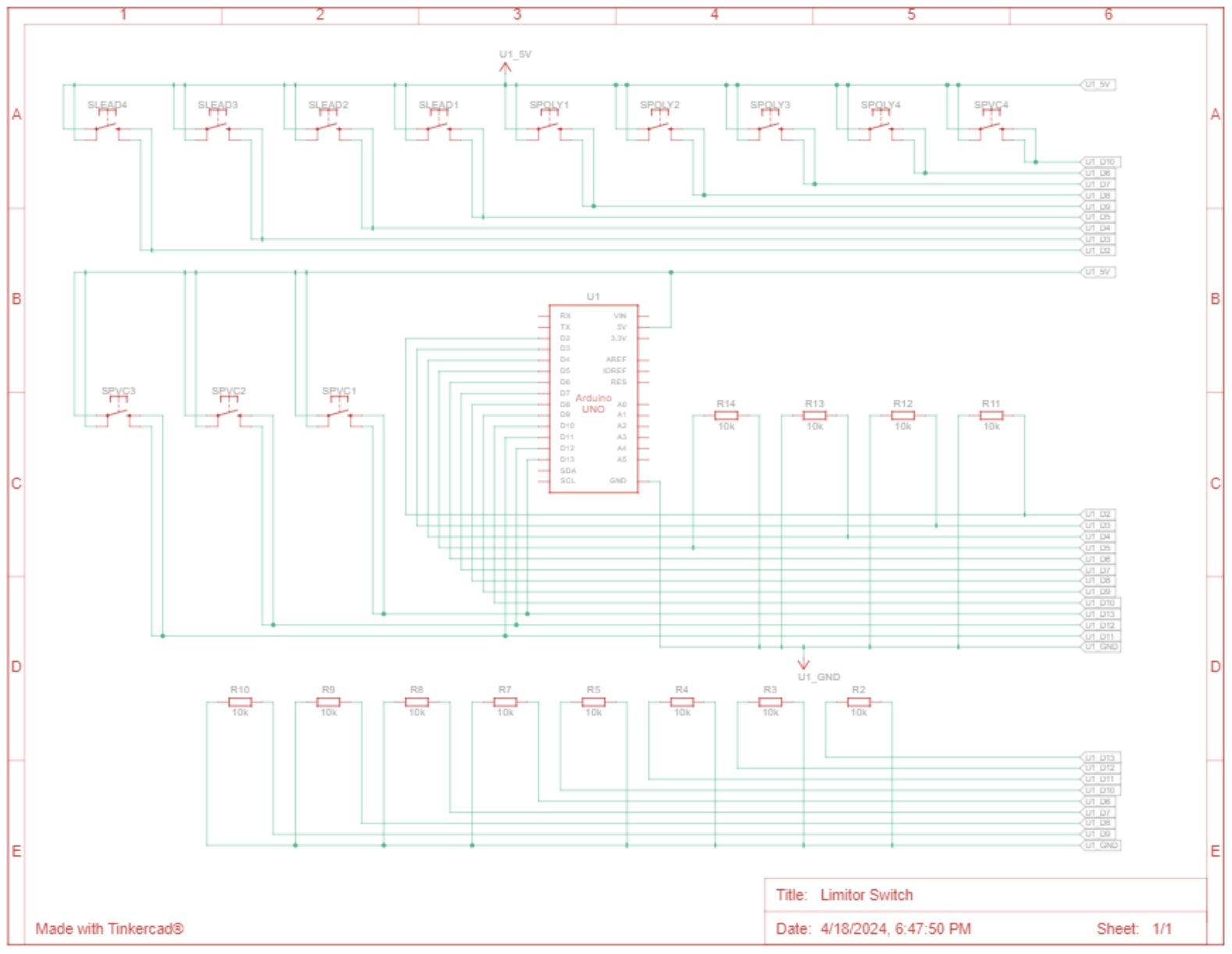
Integrated two RedBoards, 12 limit switches, photoresistors, LEDs, and buttons to detect user interactions and control gameplay.
Used Arduino/C++ and MATLAB to connect sensor inputs with the game’s budget, environmental score, instructions, audio, and visual feedback.
Soldered and extended wiring for 12 limit switches, troubleshooting connections to ensure reliable operation throughout the exhibit.
Final Exhibit:
Skills Demonstrated:
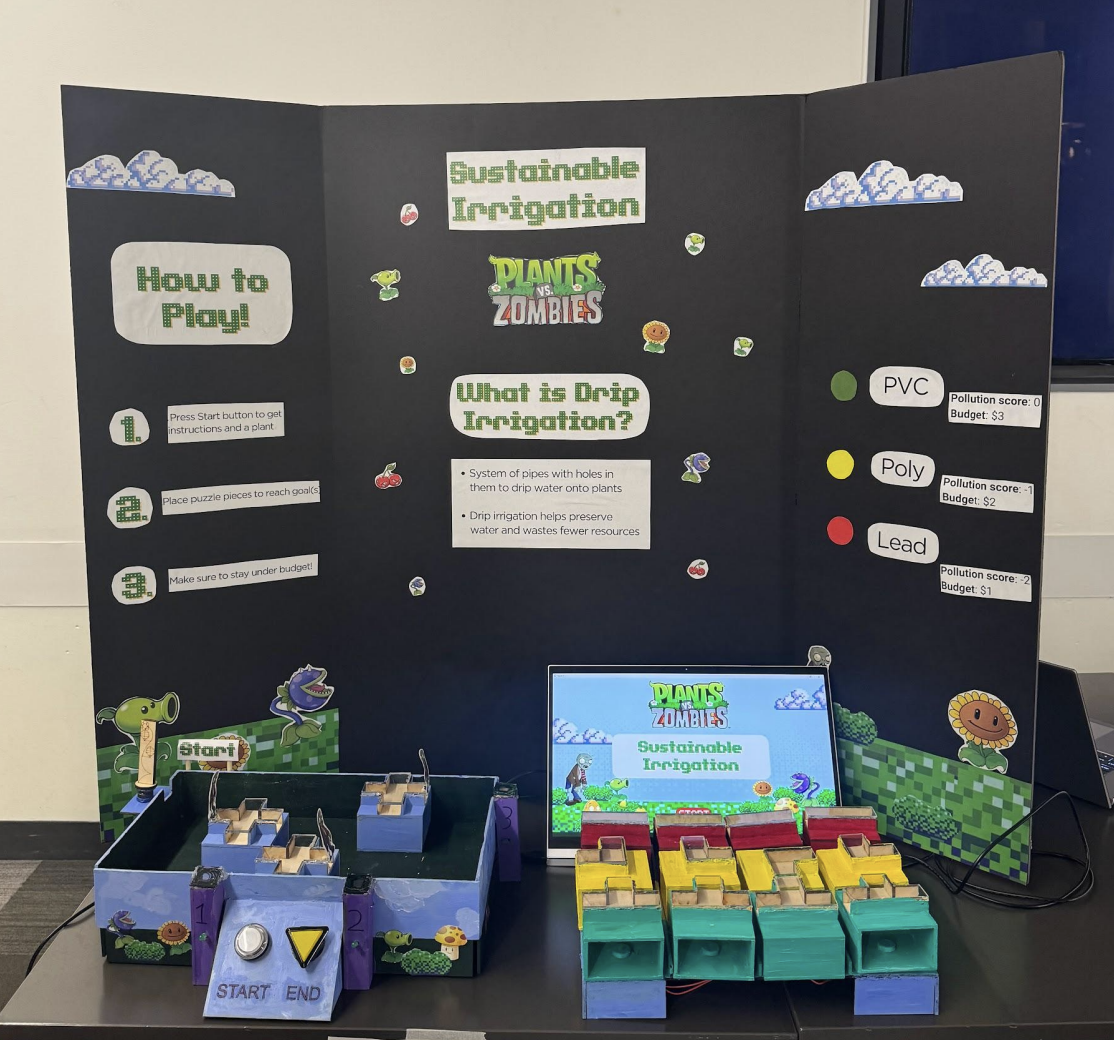
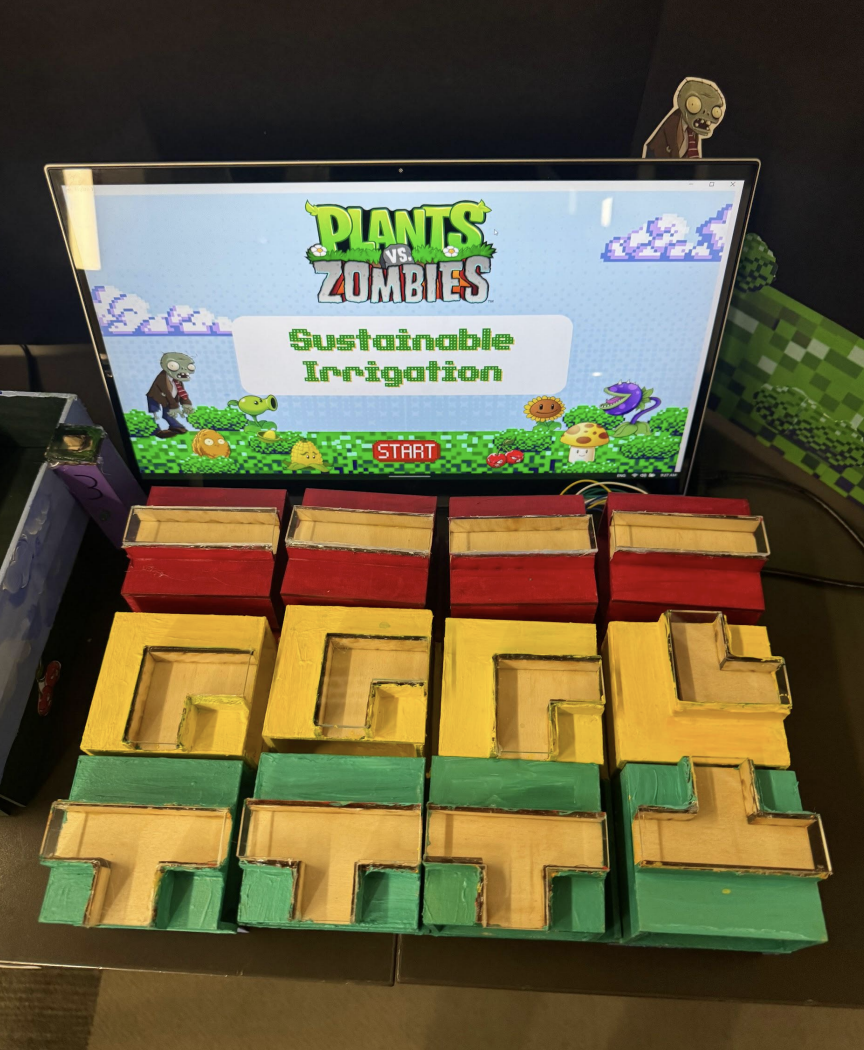
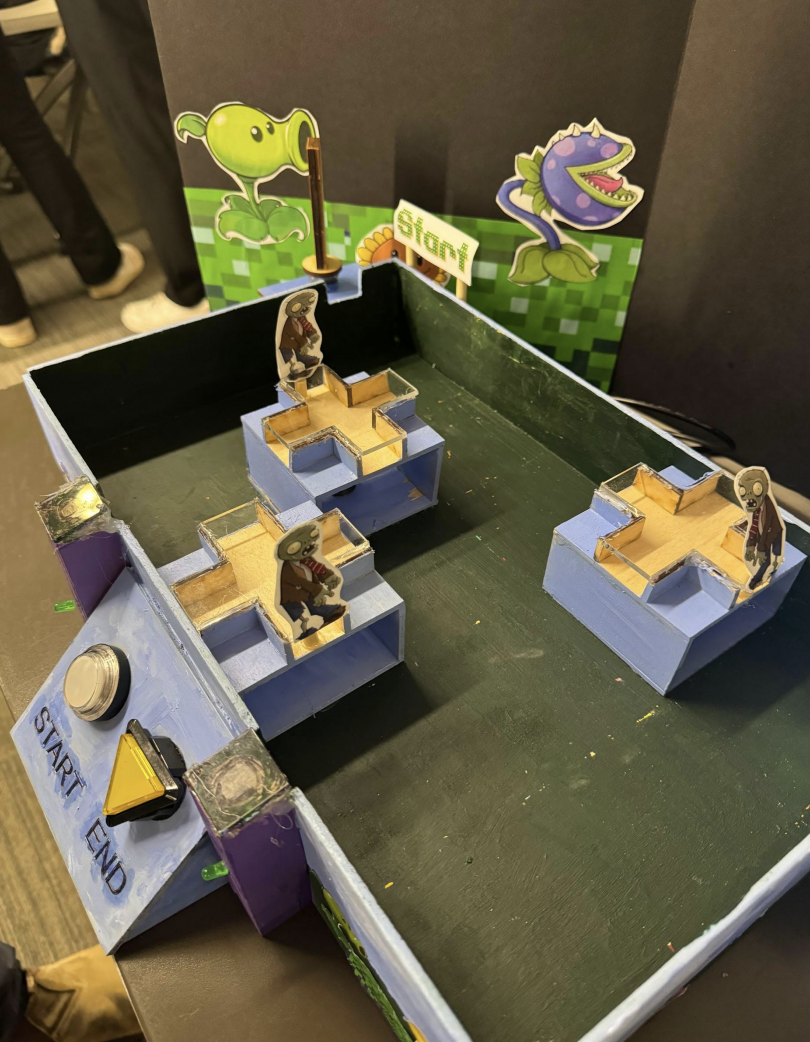
Delivered a functional exhibit where students built irrigation systems while balancing cost and sustainability.
Combined physical prototyping, electronics, programming, and user-centered design into one interactive system.
Received positive feedback from students, who found the exhibit fun and engaging to interact with.
Rapid Prototyping – Built and iterated physical prototypes
Fabrication – Laser cutting, woodworking, acrylic assembly & soldering
Electronics – Integrated sensors, switches, LEDs & Arduino hardware
Programming – Developed interactive functionality using C++ & MATLAB
Collaboration – Worked across a team to coordinate design, fabrication & technical development